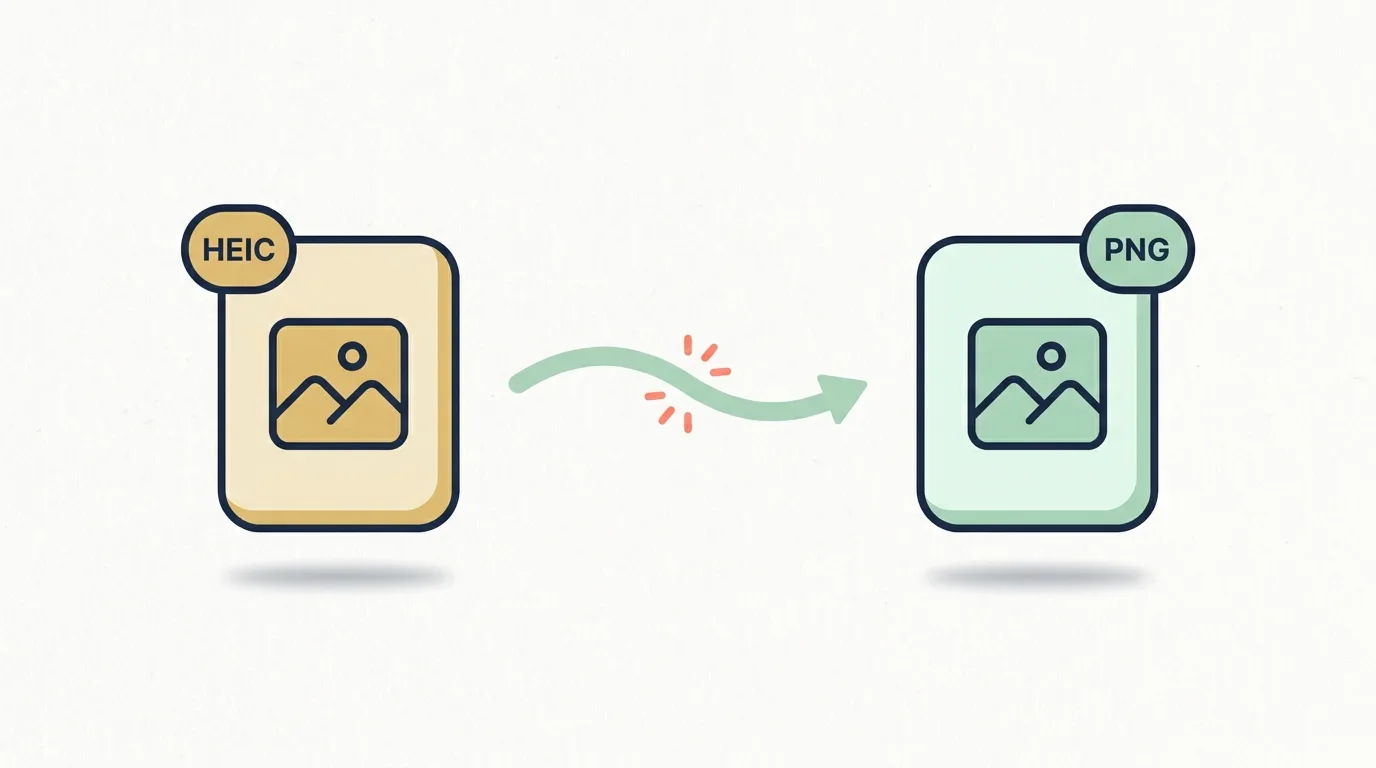
.heic
HEIC
HEIC is the photo format many iPhones and iPads use by default. It keeps image quality high while making photo files smaller.
- ✓Used by Apple devices
- ✓Smaller photo files
- xNot accepted everywhere
Convert HEIC to PNG instantly — free, no signup, unlimited.
No upload. Runs in your browser.
Got HEIC photos from an iPhone? Add them here, convert HEIC to PNG locally, then save clean PNG files.
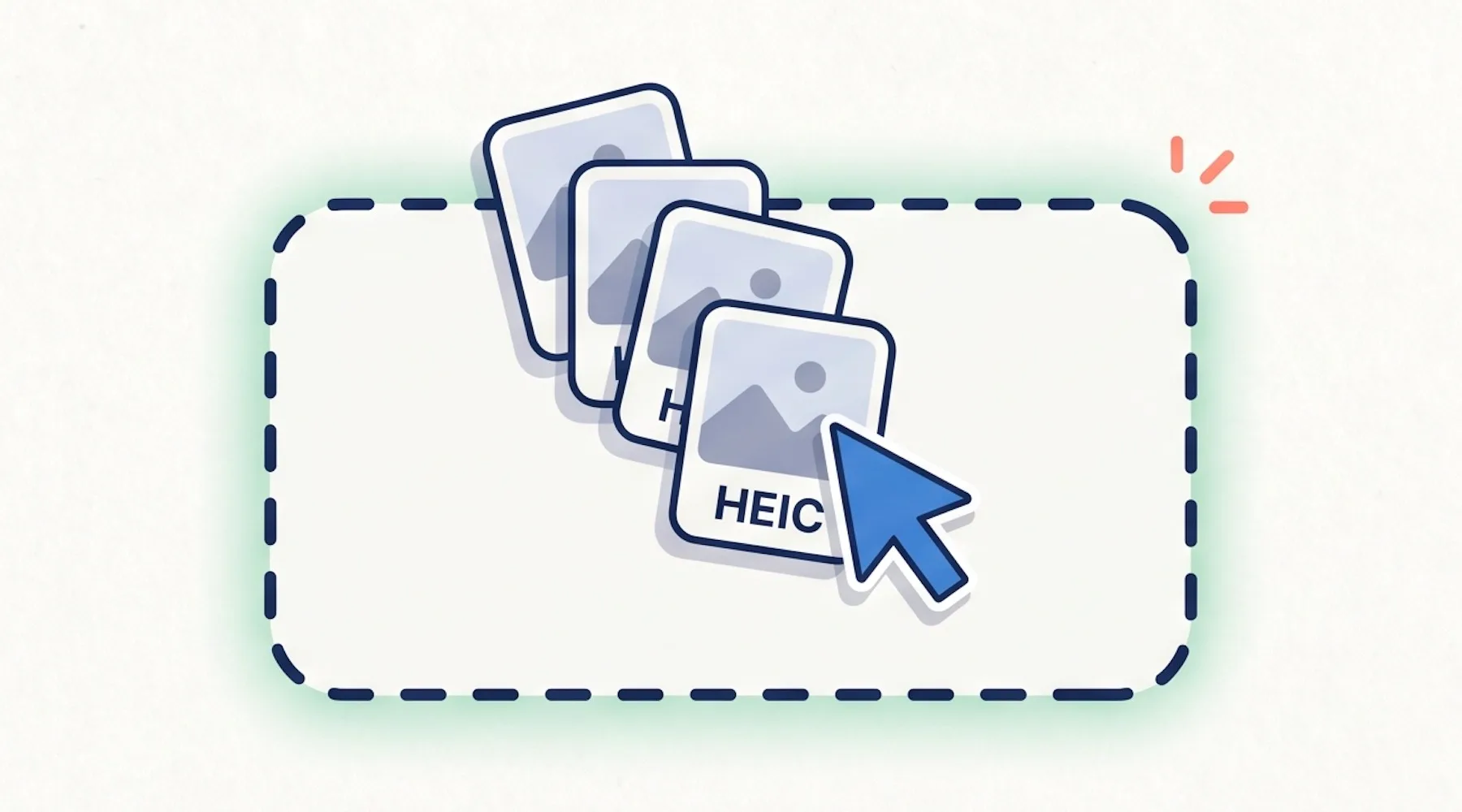
Click the conversion box or drag your HEIC photos onto the page. You can add one image or a whole batch at once.
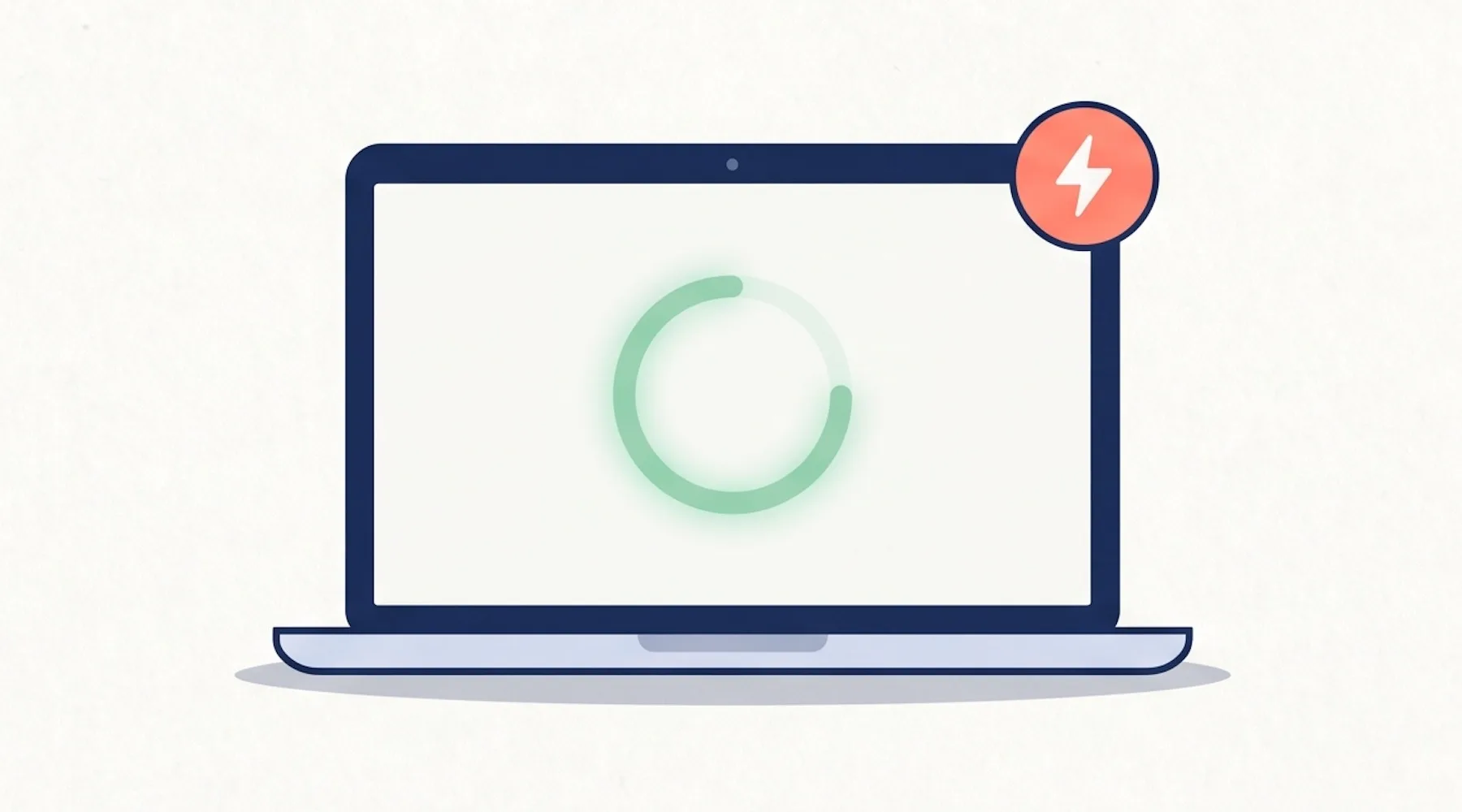
The HEIC to PNG tool converts each photo locally on your device. There is nothing to install, and the process starts automatically.
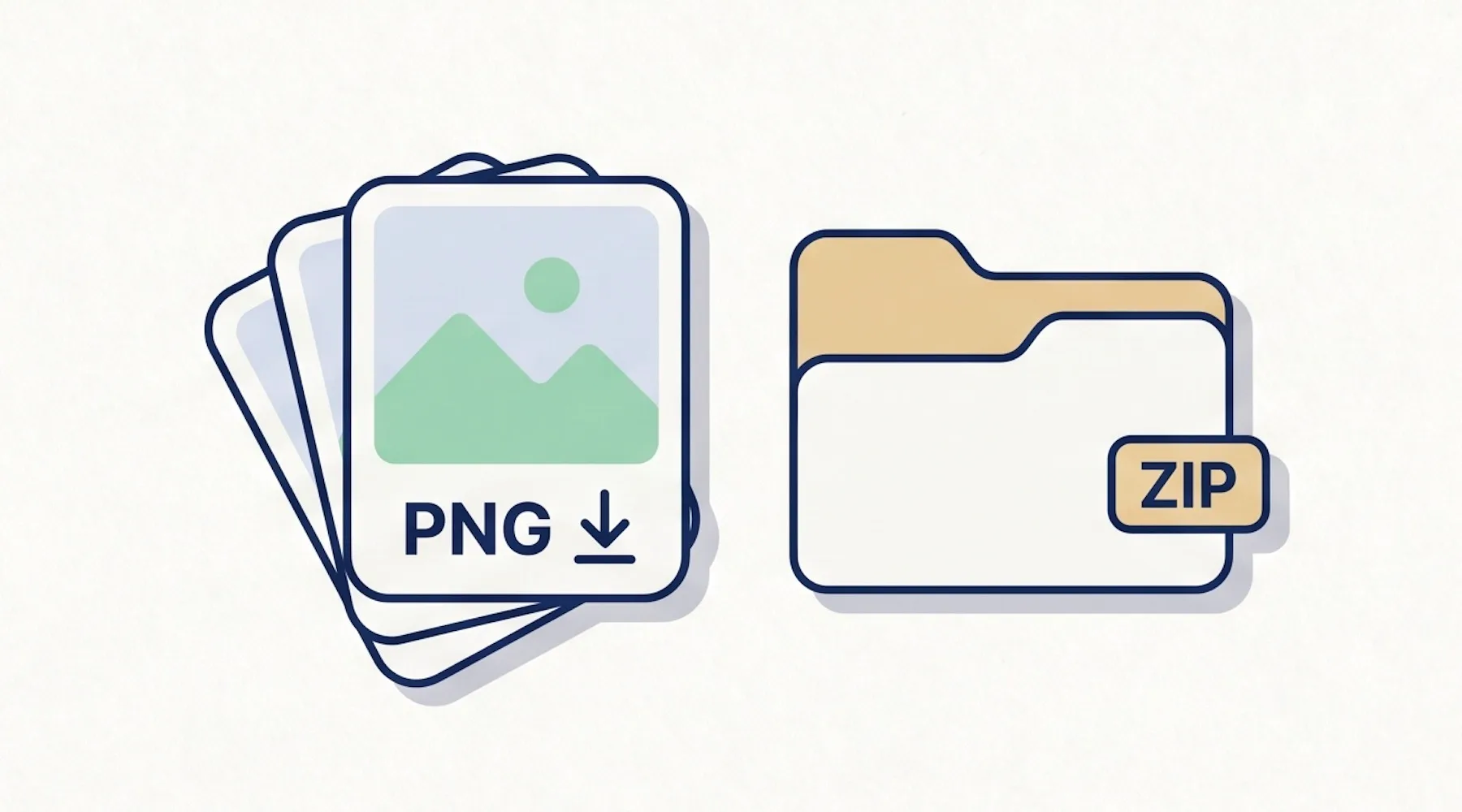
Download each PNG when it is ready, or grab everything together as a ZIP if you converted several photos.
Pick your HEIC photos, and the HEIC to PNG converter starts right away. No settings to figure out, no account to create.
Your photos are handled locally on your device, so the process feels fast and private without extra steps.
Add a few HEIC files at once, keep adding more if needed, and download the finished PNGs together.

The converted PNG files are easy to open, share, upload, or use in design and document tools.
Before converting, it helps to know what each format is good at.
HEIC is the photo format many iPhones and iPads use by default. It keeps image quality high while making photo files smaller.
PNG is a common image format that opens easily in websites, design tools, documents, and most desktop apps.
HEIC to PNG Converter is a free online tool that turns iPhone HEIC photos into PNG images you can open and share anywhere. The conversion runs in your browser, so your photos never leave your device.
A free HEIC to PNG tool with no sign-up, local browser processing, batch support, and clean PNG output.
Common questions about using this HEIC to PNG converter.
HEIC to PNG Converter is an online tool that turns HEIC photo files into PNG images. You can add a HEIC, let the HEIC to PNG converter process it automatically in your browser, and download the PNG when it is ready.
Add your HEIC files to the converter, and conversion starts automatically. When it finishes, single files download as a PNG directly; multiple files are bundled into a single ZIP.
No. You can convert HEIC to PNG directly online in your web browser. There is no software to install, no extension to add, and no account to create.
Yes. This HEIC to PNG converter is free to use, with no sign-up, no watermark, and no daily conversion limit from us.
Yes. You can convert multiple HEICs in one session. Add your files together, and when the results are ready, download them individually or as a single ZIP.
HEIC is a modern image format that Apple devices use by default to save photos. It compresses well, but it is not opened by every website, design tool, or Windows application — which is why people often need to convert HEIC to PNG.
PNG is a widely supported image format with sharp detail and optional transparency. It opens in almost every app, browser, and operating system, which makes it one of the safest formats for sharing photos online.
No. Your HEIC files are processed locally on your device. Nothing is uploaded to a server, and closing the tab clears the files from the page.
No. The HEIC to PNG converter reads the orientation tag from your HEIC and applies it before saving the PNG, so the output stays right-side up.
Start your HEIC to PNG conversion now. Free, fast, and no sign-up required.